
Our work,page by page.
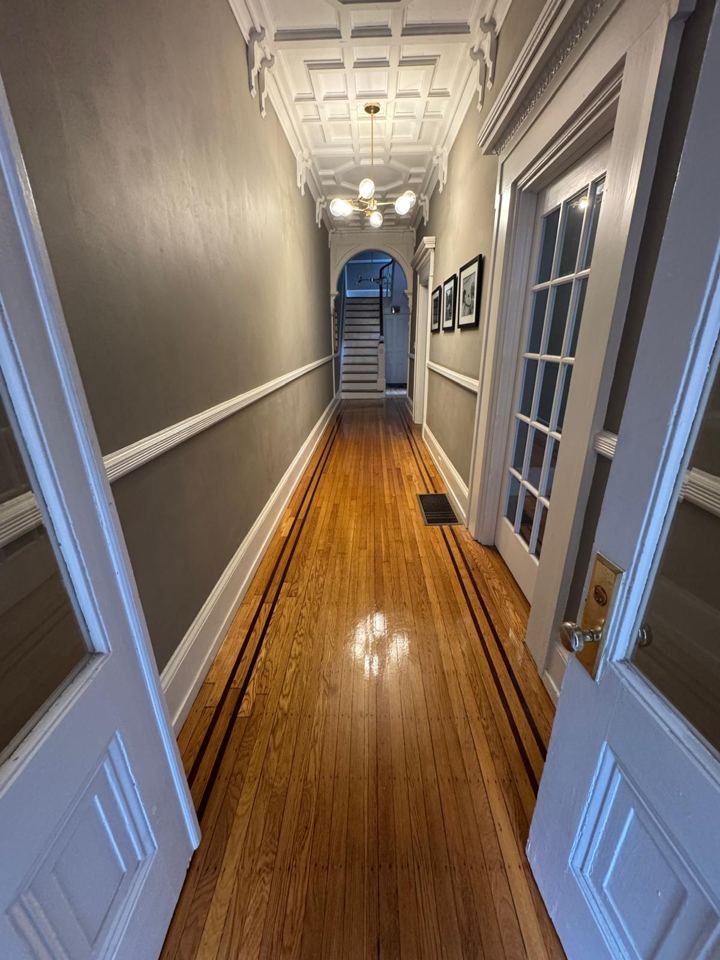
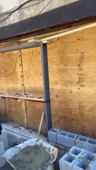
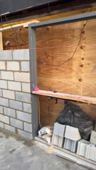
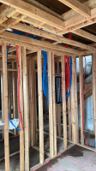
Site photographs and clips from Silverback residential jobs, ordered by stage: the first walk of a property, demolition, framing and structure, rough-in, and finished rooms as they were handed back. Open the book to turn the sheets by hand — drag, click, use the arrow keys or the thumbnail rail — or press Run through and let it play. The clips carry no site audio; the soundtrack is yours to switch on.
Renovations
Start to finish
Pages from Silverback residential jobs, ordered by stage: the first walk of a property, a house taken back to its frame, the structure that replaced it, rough-in, and finished rooms as they were handed back.





In their words.
You’re doing a fantastic job and impressed that you’re organized and understand concepts… Kudos to you…
Charlotte Love the porta[l], happy to see the progression.
Jimmy
Follow your renovation online.
Every Silverback client gets a private login to the job record. Your project manager sets it up when the job starts — there is no public signup.
Client Portal loginSee progress photos
Photos from site are filed against your job as the work moves, so you can see each stage without a site visit.
Open project documents and change orders
Drawings, permits and change orders sit in one place on the job record, where you can read them any time.
Message your project team
Send a message from inside the job record and it reaches the people running your project.
Planning a renovation?
Estimates come before any contract, and the first step is a site visit.